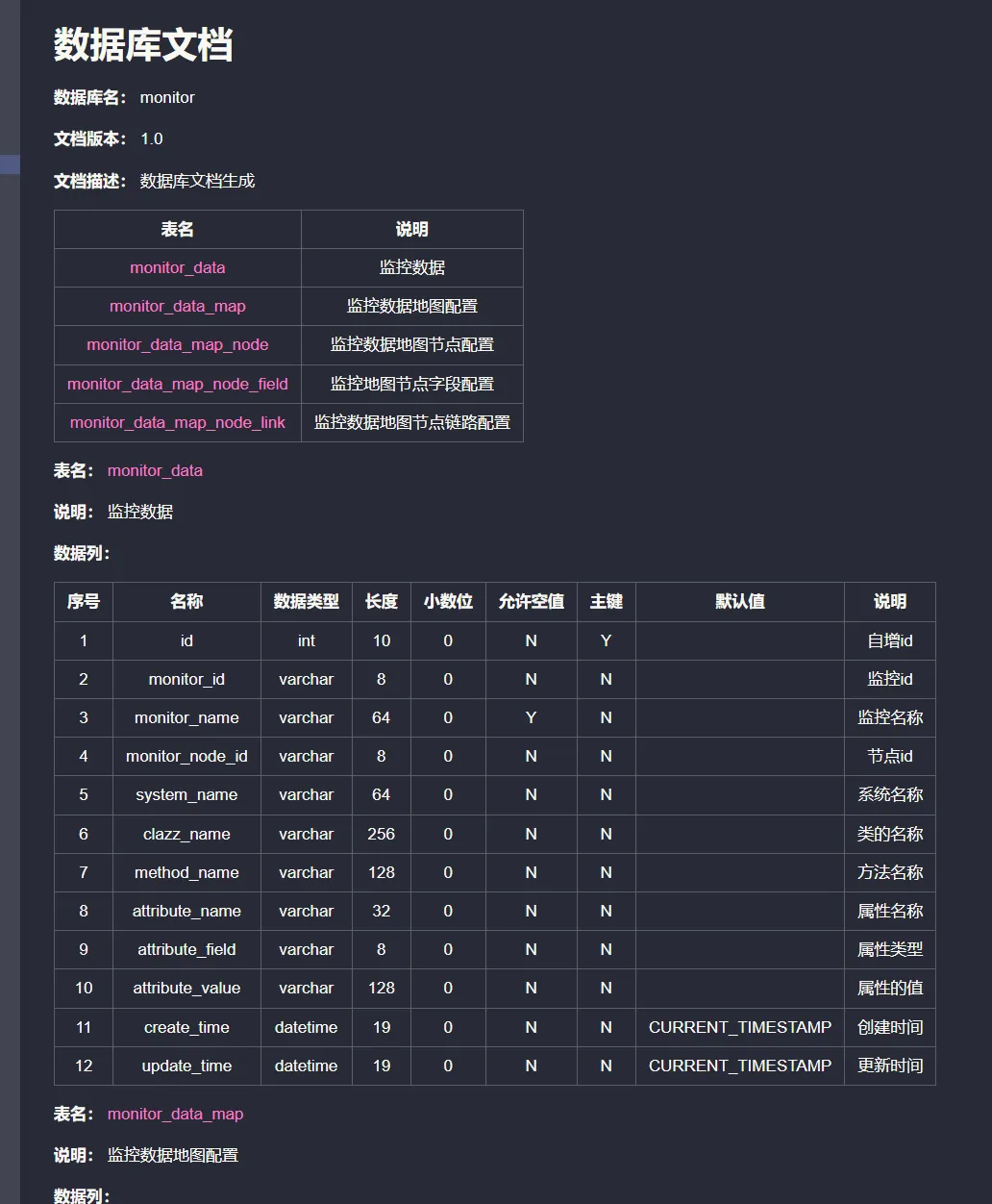
使用Screw自动生成数据库文档
项目链接:smallbun/screw 引入依赖 在项目中引入 Maven 插件,并数据库配置替换成自己的 xml <build <plugins <plugin <groupId cn.smallbun.screw</groupId <artifactId screw maven plugin</artifactId
项目链接:smallbun/screw
引入依赖
在项目中引入 Maven 插件,并数据库配置替换成自己的
<build>
    <plugins>
        <plugin>
            <groupId>cn.smallbun.screw</groupId>
            <artifactId>screw-maven-plugin</artifactId>
            <version>1.0.5</version>
            <dependencies>
                <!-- HikariCP -->
                <dependency>
                    <groupId>com.zaxxer</groupId>
                    <artifactId>HikariCP</artifactId>
                    <version>3.4.5</version>
                </dependency>
                <!--mysql driver-->
                <dependency>
                    <groupId>mysql</groupId>
                    <artifactId>mysql-connector-java</artifactId>
                    <version>8.0.20</version>
                </dependency>
            </dependencies>
            <configuration>
                <!--username-->
                <username>root</username>
                <!--password-->
                <password>password</password>
                <!--driver-->
                <driverClassName>com.mysql.cj.jdbc.Driver</driverClassName>
                <!--jdbc url-->
                <jdbcUrl>jdbc:mysql://127.0.0.1:3306/xxxx?serverTimezone=GMT%2B8</jdbcUrl>
                <!--生成文件类型-->
                <fileType>HTML</fileType>
                <!--打开文件输出目录-->
                <openOutputDir>false</openOutputDir>
                <!--生成模板-->
                <produceType>freemarker</produceType>
                <!--文档名称 为空时:将采用[数据库名称-描述-版本号]作为文档名称-->
                <fileName>测试文档名称</fileName>
                <!--描述-->
                <description>数据库文档生成</description>
                <!--版本-->
                <version>${project.version}</version>
                <!--标题-->
                <title>数据库文档</title>
            </configuration>
            <executions>
                <execution>
                    <phase>compile</phase>
                    <goals>
                        <goal>run</goal>
                    </goals>
                </execution>
            </executions>
        </plugin>
    </plugins>
</build>生成文档
Idea 的侧边栏中双击 screw 命令
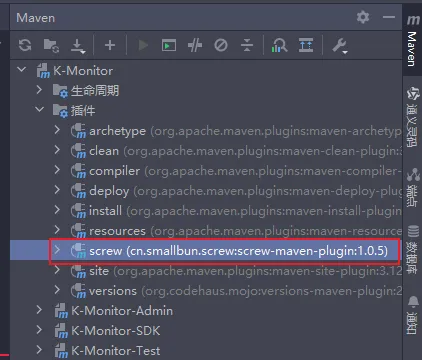
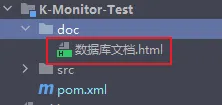
生成之后可以在项目根目录下的doc文件夹中找到生成好的文档
效果如下:
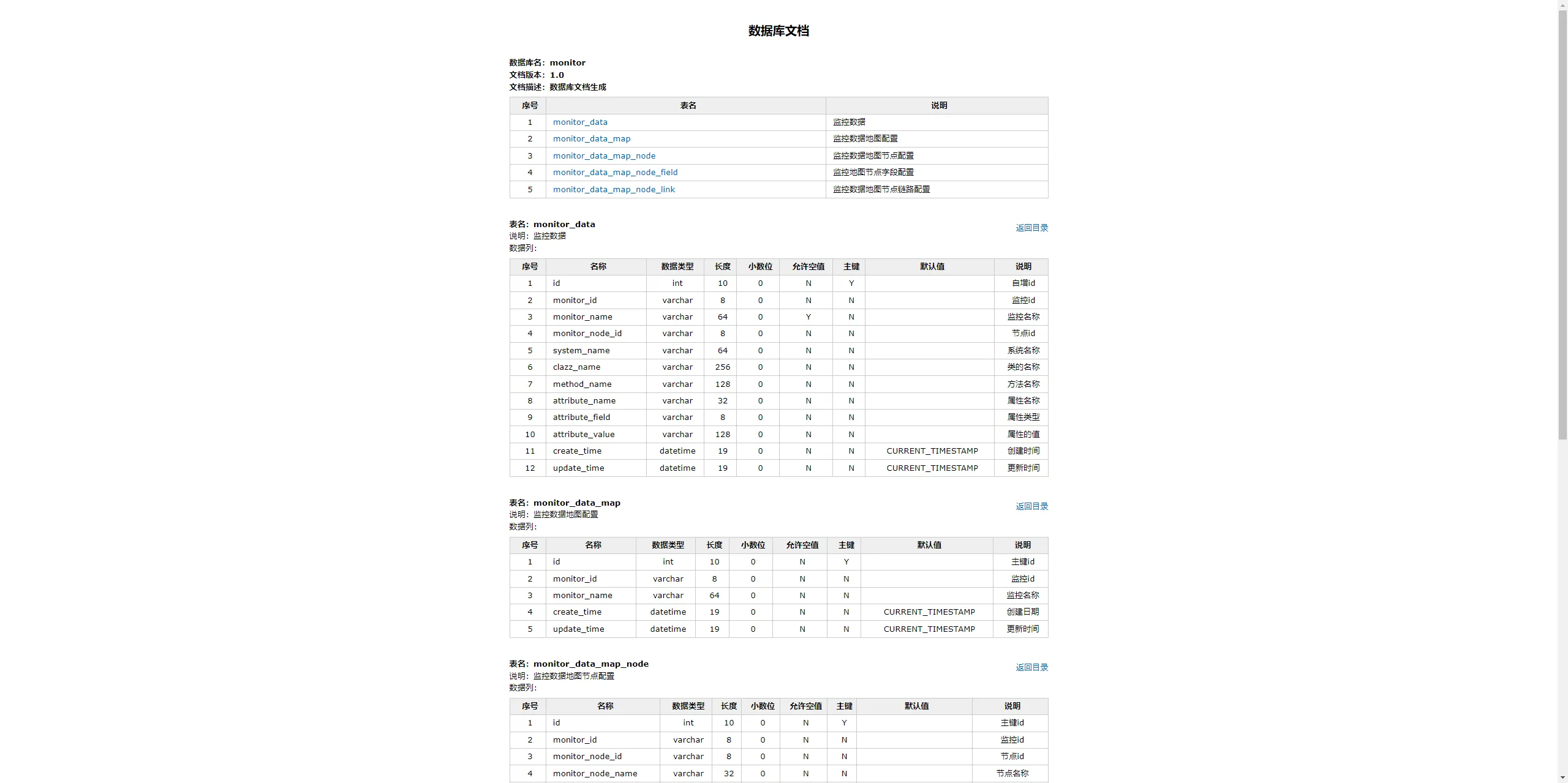
生成其他类型文档
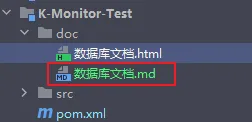
如果不喜欢 HTML 类型的文件的话,可以将fileType配置修改成MD,这样就能生成 MarkDown 形式的数据库文档了
效果如下: